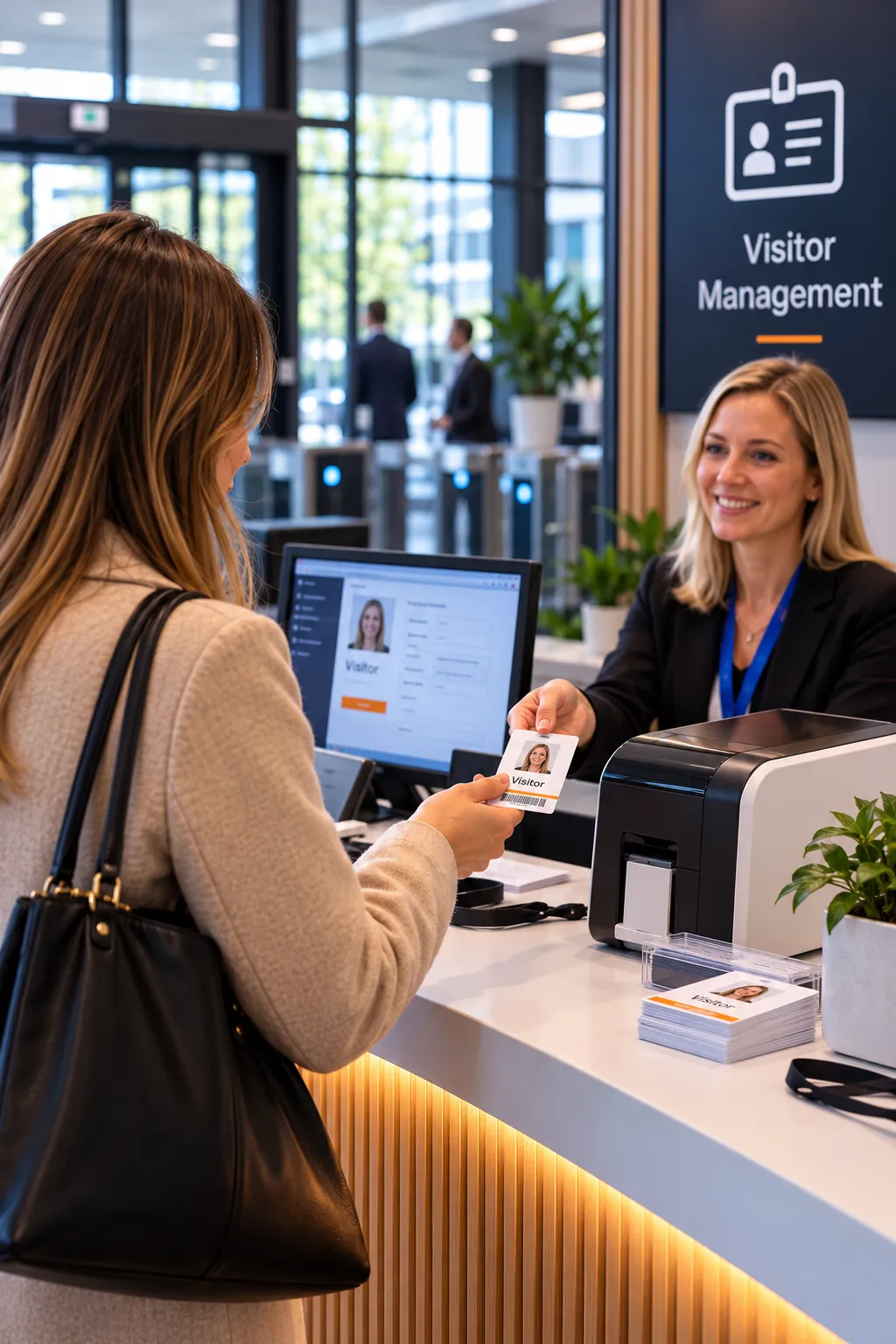
See who's there before you let them in.
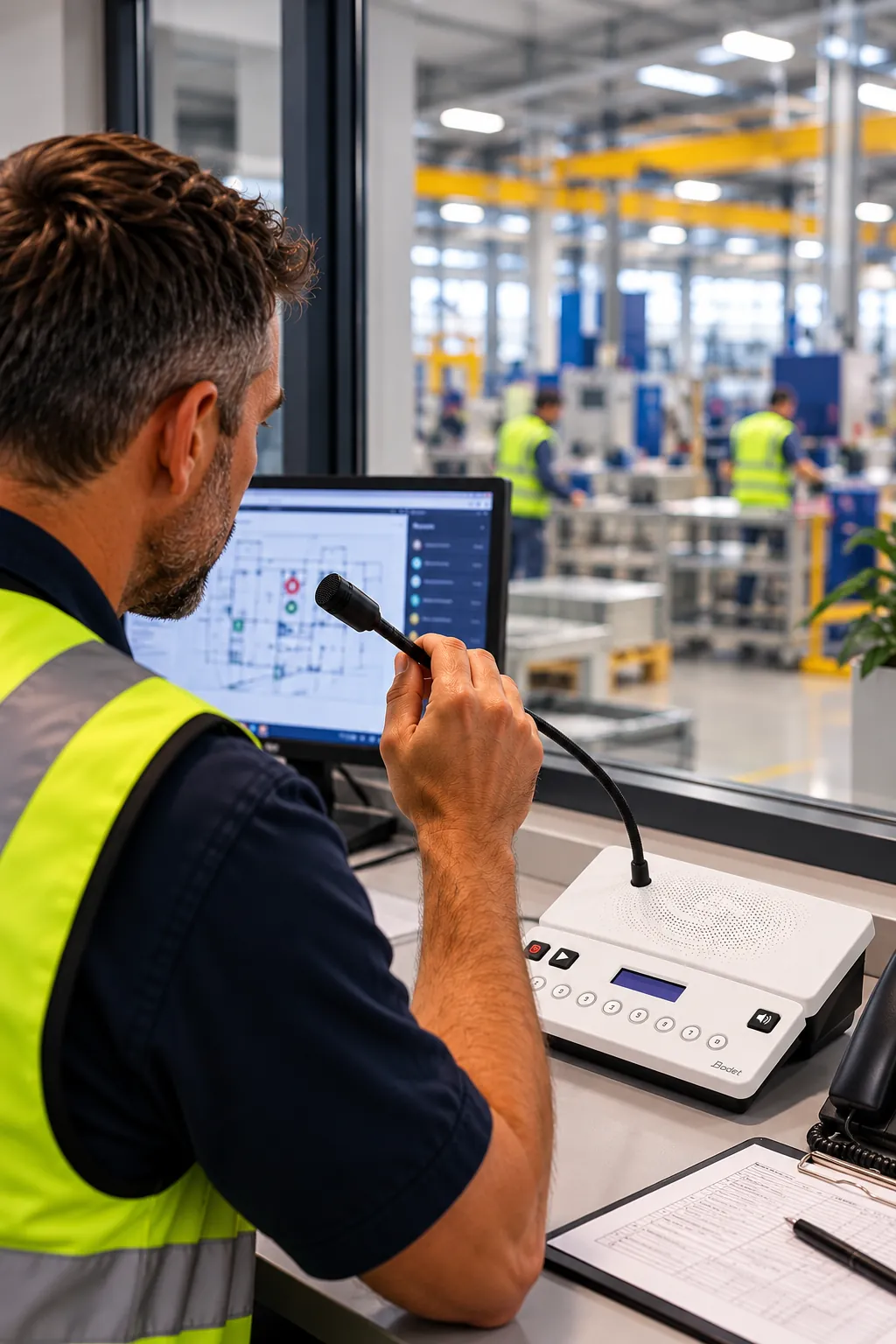
Enhance site security, communication and visitor management with modern audio and video intercom solutions. From school entrances and office receptions to industrial facilities and gated premises, intercoms provide greater control over who enters your site.
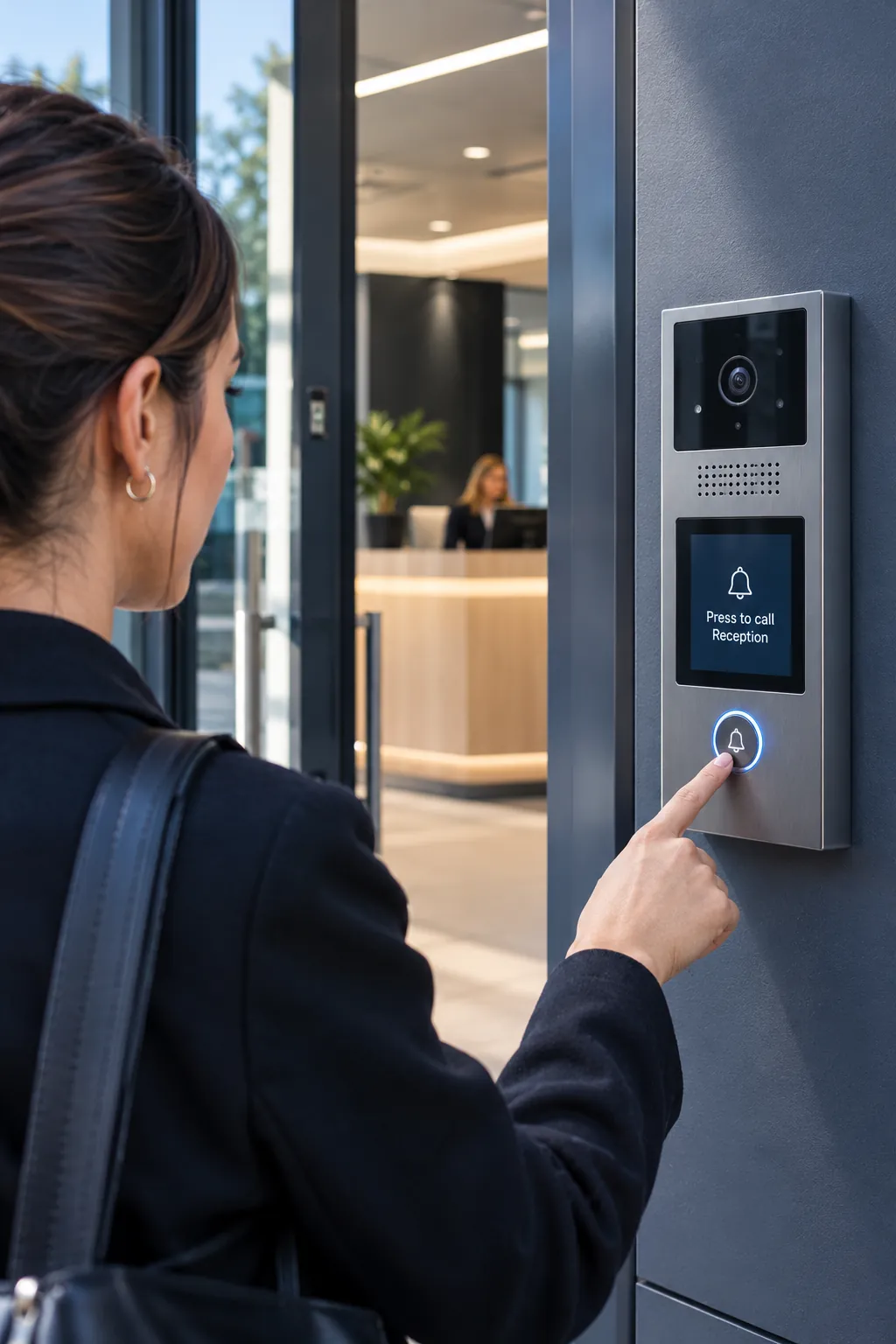

What Intercom Systems actually do

Audio Intercoms
Speak with visitors before entry.
Video Verification
See who's requesting access.
Reception Security
Improve control over building entrances.
Remote Door Release
Unlock doors without leaving your desk.
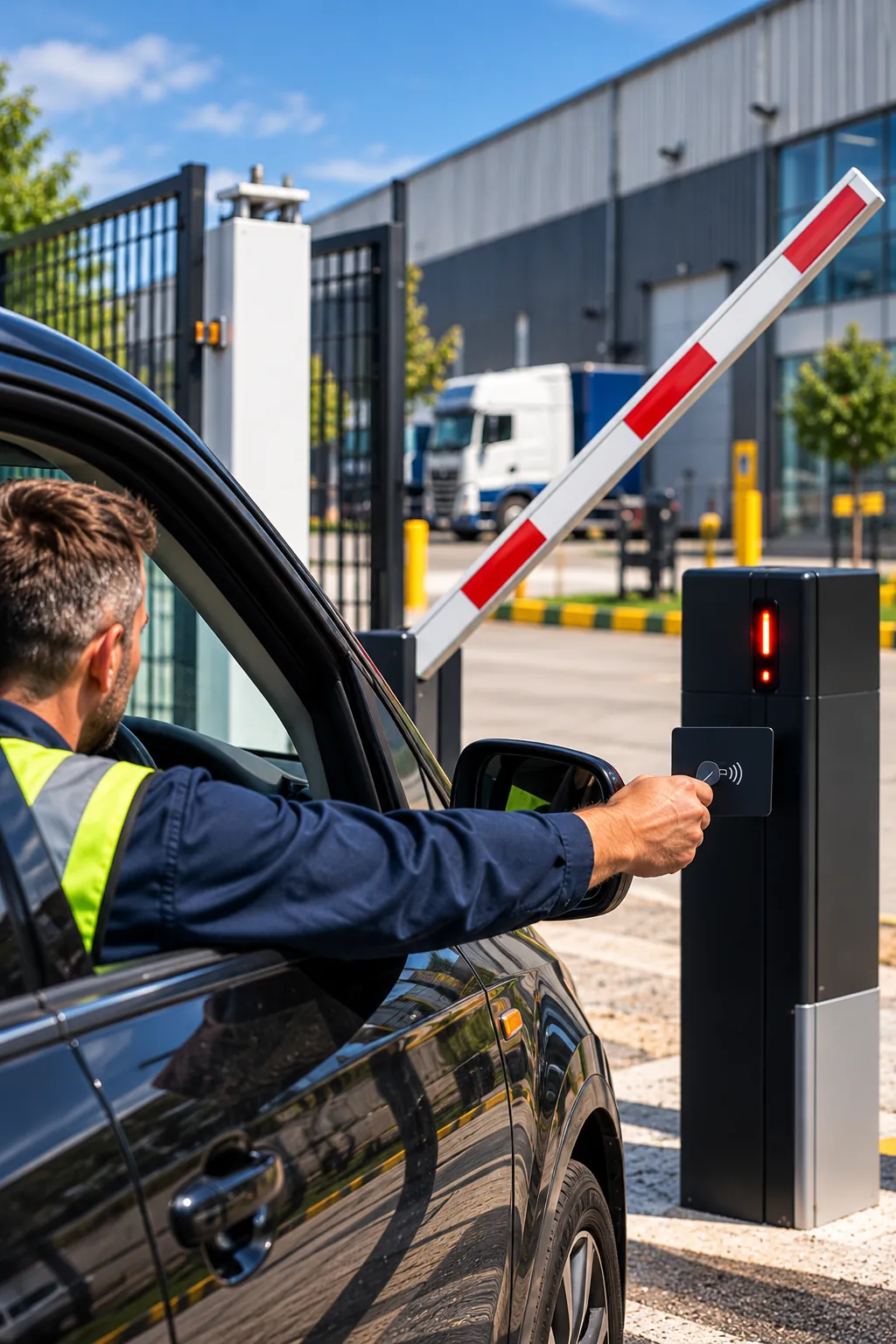
Gate Entry Control
Manage vehicle and pedestrian access.
Multi-Entrance Management
Control several entrances from one platform.
Visitor Screening
Verify arrivals before granting entry.
Access Control Integration
Connect communication with security.
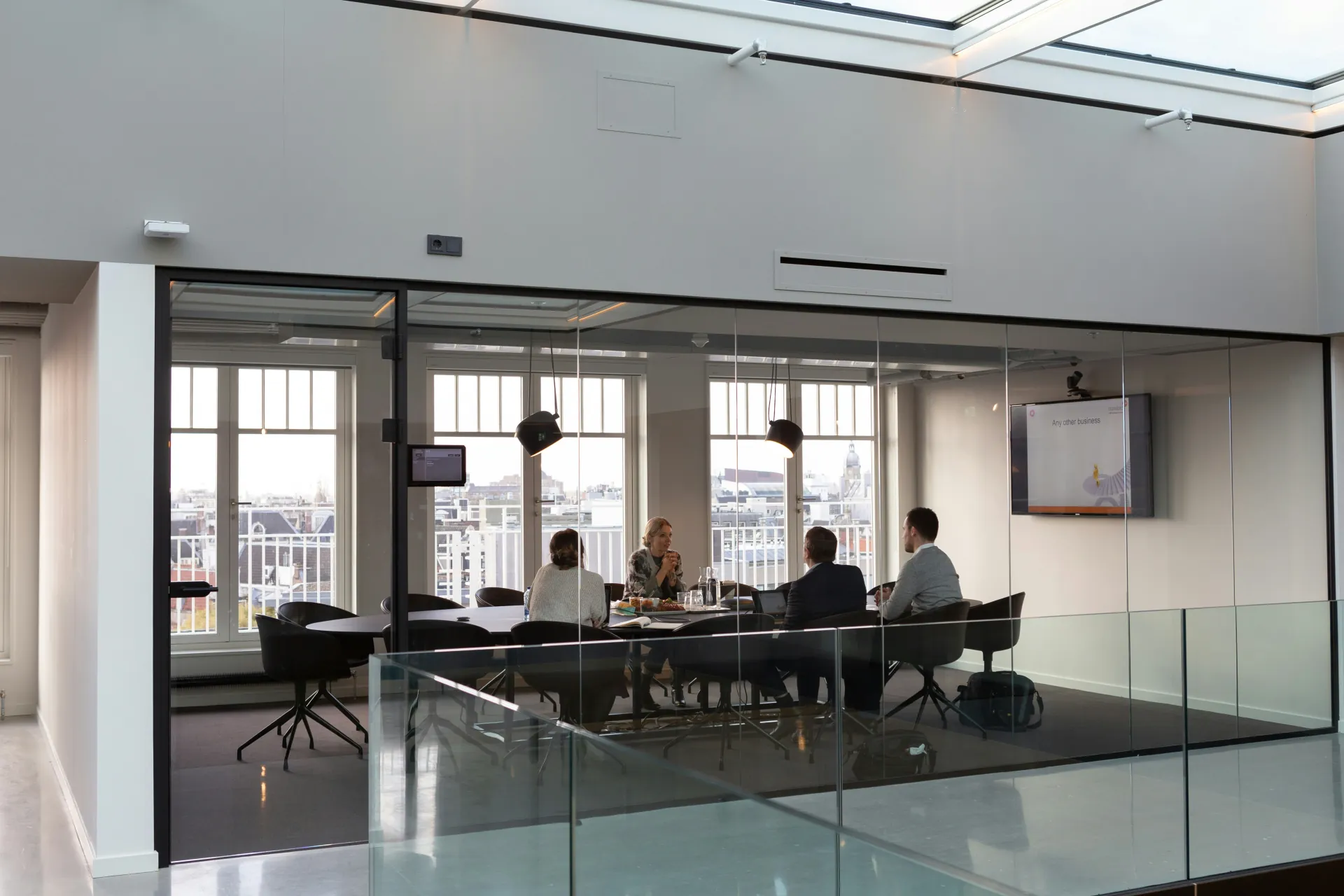
Verify first. Grant access second.
Intercom systems provide an additional layer of site security by allowing organisations to communicate with and verify visitors before access is granted.
Verify visitors before access is granted
The front door remains one of the most important security checkpoints in any organisation.
Modern audio and video intercom solutions allow staff to identify visitors, verify credentials and communicate directly before deciding whether access should be granted.
- HD video verification
- Two-way communication
- Reception integration
- Remote access control
- Visitor screening
- Multi-entrance management
How we install it
A named consultant visits your site, sets up the system, installs the hardware and trains your team. We stay on to support you after go-live. A single-site rollout usually takes 4–8 weeks.
Pre-implementation
Implementation
Training & Consultancy
Go Live
Post Implementation

Common questions about intercoms
A video intercom allows users to see and communicate with visitors before granting access.
Yes. Authorised personnel can release doors, gates or barriers directly from connected devices.
Yes. Many organisations use Intercoms and Access Control together as part of a wider workplace security strategy.
Yes. Several entrances can be managed through a central platform.
That depends on the environment, but video verification often provides an additional layer of security.
Yes. Schools frequently use intercom systems to strengthen visitor management and entry control procedures.
Many modern systems support mobile applications and remote answering capabilities.
TESTIMONIALS
Related Solutions:
Barriers

ID Card Printers

Mustering

School and Factory Bells

Synchronised Clocks
PA Systems

Access Control