

Workforce Management
BIOMETRIC

Biometric

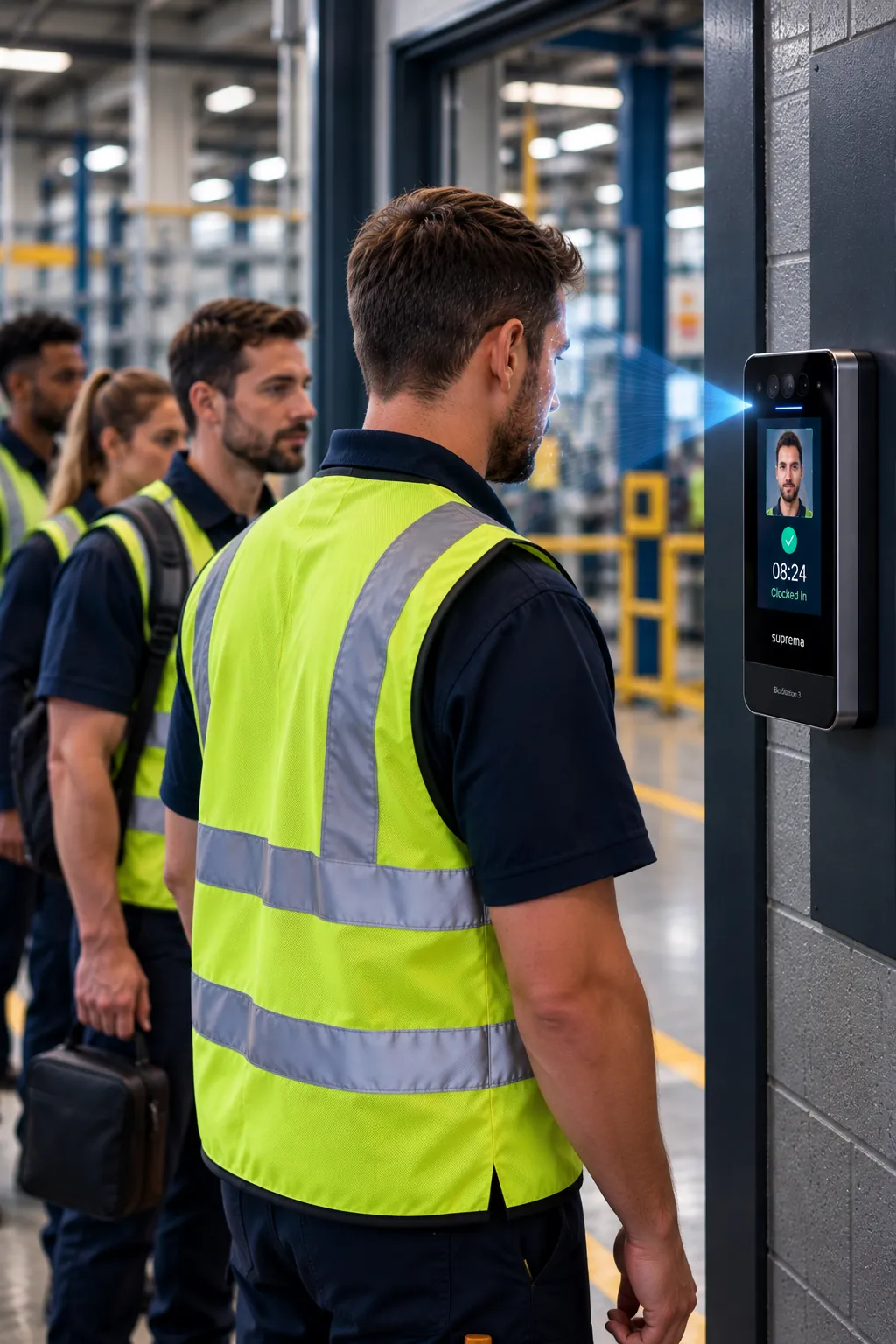
Facial recognition or fingerprint terminals, moisture-proof and contactless, specified for the environment rather than fitted as an office-grade box on a factory floor.

An employee in a high-visibility vest clocking in with facial recognition at a wall-mounted terminal
WHO THIS IS FOR

One clocking point. Three very different priorities.

Operations want speed. HR wants accuracy. Security wants certainty. Biometric solutions deliver all three.

OPERATIONS MANAGER
Clock in. Keep moving.

Busy shift changes can quickly create queues, delays and frustration when large numbers of employees arrive at the same time.

Biometric authentication provides a fast and consistent process that helps people move through clocking points and access areas efficiently.

  • Faster shift changes
  • Reduced clocking queues
  • Contactless authentication
  • Suitable for large workforces
  • Consistent user experience
  • Less reliance on cards and PINs
HR & PAYROLL
Know the right person made the clocking.

Cards can be forgotten. PINs can be shared. Timesheets can be disputed.

Biometric authentication helps ensure attendance records are linked to the person they're intended to represent, creating greater confidence in the information reaching payroll.

  • Accurate attendance records
  • Reduced buddy clocking
  • Greater payroll confidence
  • Fewer attendance disputes
  • Reliable employee authentication
  • Clear audit trail
SECURITY & FACILITIES
Control access with greater certainty.

Knowing someone has a card isn't always the same as knowing who they are.

Biometric authentication adds an additional layer of assurance when granting access to buildings, secure areas and controlled environments.

  • Stronger identity verification
  • Controlled access to restricted areas
  • Reduced credential sharing
  • Access and attendance integration
  • Better workplace visibility
  • Enhanced site security
HOW IT WORKS

The Benefits of Biometric Time Recording

Biometric technology uses unique employee characteristics, such as fingerprints or facial recognition, to provide secure, accurate workforce and access management.

Know who's clocking.

Help ensure every clocking belongs to the right employee, giving you greater confidence in your attendance records.

Prevent buddy clocking.

Biometric identification helps prevent employees clocking in or out on behalf of someone else.

Make clocking simple.

Give employees a quick and convenient way to record attendance without remembering PINs or carrying dedicated clocking cards.

Improve attendance accuracy.

Capture reliable clocking information and create a more accurate picture of the hours your employees work.

See who's in.

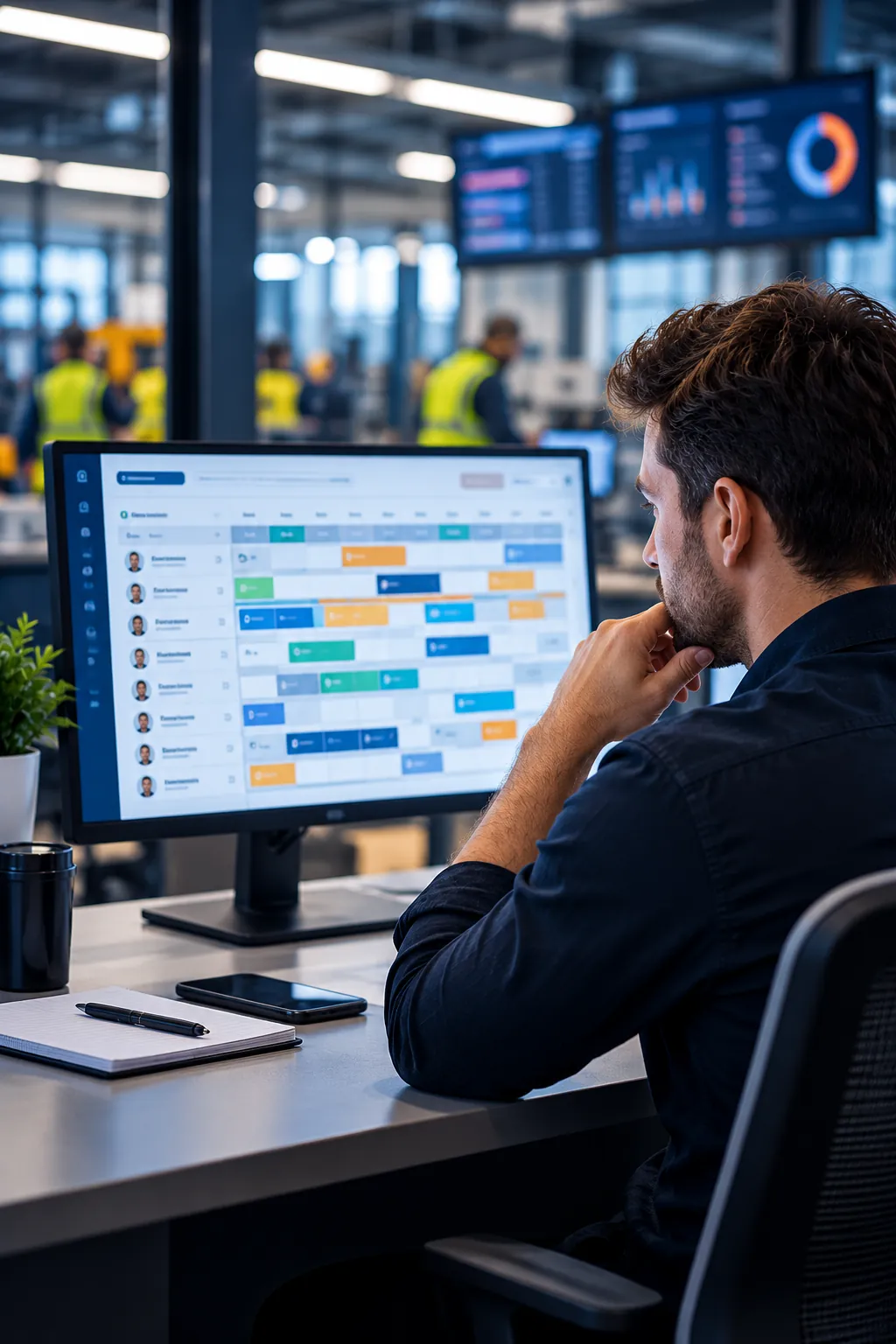
Give managers up-to-date visibility of employee attendance and a clearer picture of who is currently on site.

Reduce payroll queries.

Accurate clocking data means fewer discrepancies to investigate when working hours are prepared for payroll.

No more forgotten cards.

Remove the need for dedicated clocking cards and reduce the inconvenience and administration caused by lost or forgotten credentials.

Connect clocking with attendance.

Send clocking data directly into Time & Attendance, turning employee clockings into meaningful workforce information.

FEATURE DEEP DIVE

The right reader for the environment, not a generic terminal

A fob or card can be shared or lost. Biometric ties a clock-in to the person, which matters when accuracy is checked against payroll or Working Time Regulations. We store biometric data securely and set retention and access rules during implementation — not left to default settings.

01
Fast facial recognition
Clock in with just a glance. AI-powered facial recognition provides fast, effortless clocking without cards, fobs or PINs, making it ideal for busy workplaces and high-traffic environments.
03
Know who’s clocking
Greater confidence in every clocking. Facial authentication verifies the employee making the clocking, helping prevent buddy clocking and creating more reliable Time & Attendance records.
02
Contactless clocking
Nothing to touch. Nothing to carry. Employees simply present their face to record attendance, creating a convenient contactless clocking experience without relying on physical credentials.
04
More than facial recognition
Flexible authentication when you need it. Combine facial recognition with cards, mobile credentials, PINs or QR codes, giving you flexibility for different employees and workplace requirements.
FEATURE DEEP DIVE

Enrol once. Clock anywhere.

Unlike traditional facial recognition systems, enrolling an employee doesn't have to mean standing every member of staff in front of a clocking terminal. BioStation 3 can create a facial credential from a suitable photograph, making large-scale deployment significantly easier.

  • Enrol employees using an existing photograph
  • Capture a face using a webcam
  • Enrol directly at the terminal
  • Send employees a link to complete enrolment on their mobile
  • Bulk enrol employees
  • Deploy facial recognition across multiple locations without bringing everyone to one terminal
INTEGRATIONS

Works with the systems you already use

PRIVACY AND BIOMETRIC DATA

What about employee privacy and biometric data?

We understand that biometric data is sensitive, which is why privacy and security are an important part of how we approach facial authentication.

01

Our approach

Our Suprema BioStation solutions use advanced security and privacy technology designed to protect biometric credentials, with options available for how employees are enrolled and authenticated.

02

What the law requires

When facial data is used to uniquely identify an employee, it is classed as special category personal data under UK GDPR and requires additional safeguards. Employers therefore need to consider their lawful basis, the necessity and proportionality of using biometrics, employee transparency and appropriate data-protection controls before implementation.

03

How we help

We can help you understand the technology, the different ways employees can authenticate and the deployment options available, including alternatives to facial authentication where required. The organisation using the system remains responsible for determining its lawful basis and meeting its obligations as data controller.

In short: the technology is designed with privacy in mind, but responsible biometric deployment is about more than the technology alone.
How we install it

A named consultant visits your site, sets up the system, installs the hardware and trains your team. We stay on to support you after go-live. A single-site rollout usually takes 4–8 weeks.

0
1

Pre-implementation

STAGE 01
Contact details gathered, helpdesk portal accounts set up, requirements agreed and a hardware survey of your site.
0
2

Implementation

STAGE 02
Server prepared, software installed and configured and staff data imported, then hardware fitted, tested and commissioned on site.
0
3

Training & Consultancy

STAGE 03
Setup and system administration training, plus a test phase where your users try the system and the rules are refined.
0
4

Go Live

STAGE 04
The system goes live with support from your lead implementation consultant, with configuration tweaks where needed.
0
5

Post Implementation

STAGE 05
Follow-up consultancy, then a handover to the helpdesk so your users have continued support.
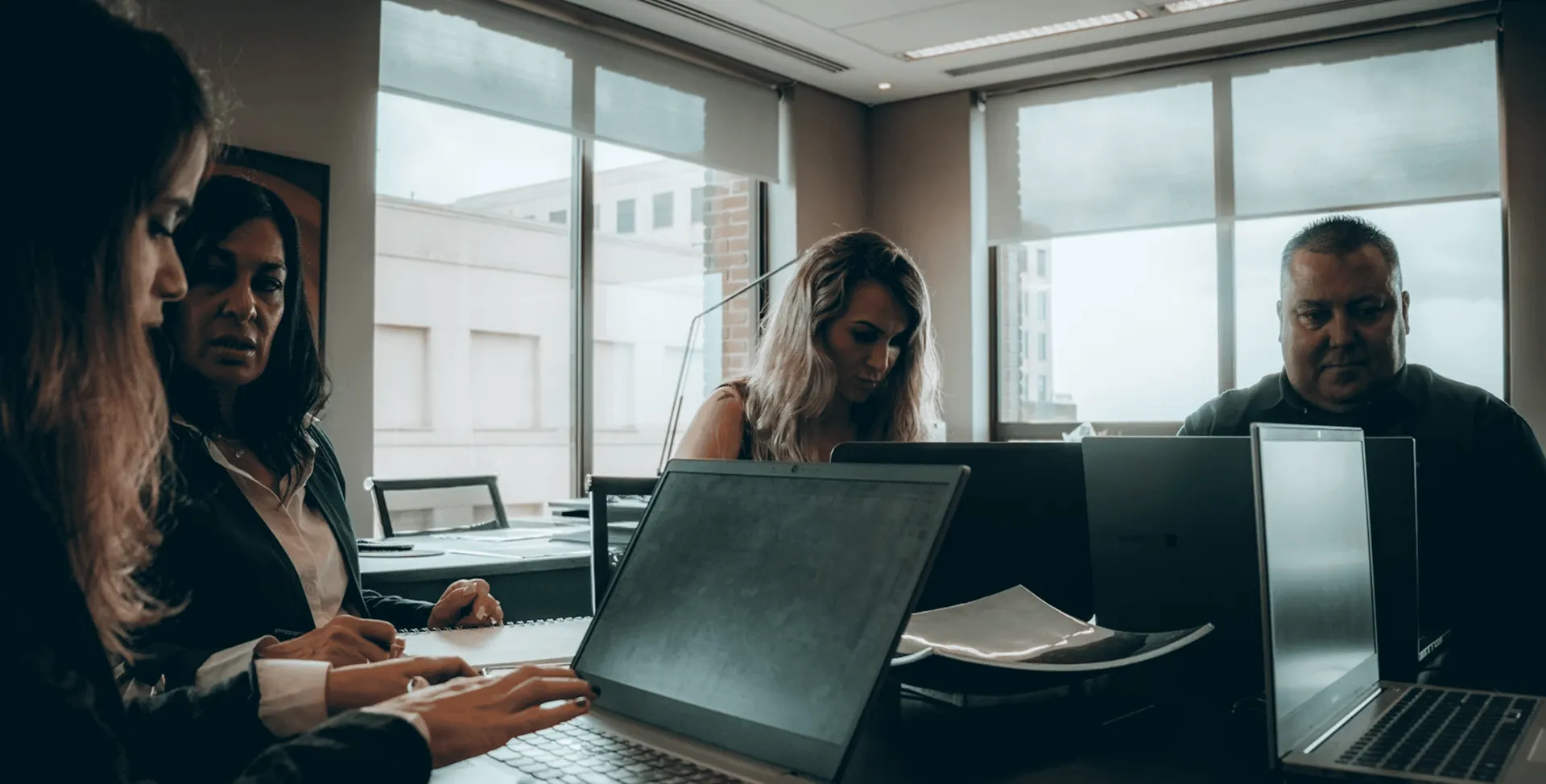
Four colleagues working on laptops around a meeting room table
FREQUENTLY ASKED QUESTIONS

Common questions about biometric clocking

Do employees have to touch the terminal?

No. Facial recognition is completely contactless. Employees simply look towards the terminal and the system identifies them and records the clocking.

How do we enrol employees?

It’s much easier than you might think. Employees can be enrolled at the terminal or, with Suprema BioStation 3, a suitable existing photograph can be used. Remote and mobile enrolment options can also make rolling out facial recognition across a large workforce much simpler.

Do we have to enrol everyone at the clocking terminal?

No. This is one of the big advantages of the BioStation 3 solution. Facial credentials can be created from suitable photographs and employees can also be sent a link to enrol remotely, avoiding the need to bring everyone to a physical terminal.

What happens if someone's appearance changes?

The technology is designed to recognise normal variations in appearance. Everyday changes such as hairstyles, glasses and facial hair shouldn't mean continually re-enrolling employees.

Can someone clock in using a photograph of another employee?

The terminals use live-face detection designed to distinguish a real person from attempts to authenticate using photographs or images. This also helps make facial clocking a much stronger solution for preventing "buddy clocking".

What if facial recognition isn't suitable for everyone?

You don't have to rely on facial recognition alone. Alternative authentication methods can be provided depending on your configuration, allowing you to accommodate different employees and workplace requirements.

Can employees still use a card or fob?

Yes. Facial recognition can sit alongside other authentication methods, giving you flexibility rather than forcing every employee to clock in in exactly the same way.

How quickly does it recognise someone?

Very quickly. In normal use, employees can simply approach the terminal, be identified and continue on their way, making facial recognition particularly useful where lots of people start or finish at similar times.

Will it work in a busy workplace?

Yes. Modern facial recognition terminals are designed for high-throughput environments where employees need to clock without creating lengthy queues at shift changes.

Can we use the terminals outdoors?

Potentially, yes. The BioStation 3 is rated for indoor and outdoor environments, although we would always consider the location, installation and working environment before recommending the right terminal.

What happens to the clocking once an employee is recognised?

The clocking is passed into the Time & Attendance system, where it can be used alongside your working rules to calculate attendance, hours, overtime and exceptions.

Can we see who's currently on site?

Yes. Because clockings feed into Time & Attendance, managers can have an up-to-date view of employee attendance rather than waiting for paper timesheets or manual records to be processed.

Will facial recognition stop buddy clocking?

It can significantly reduce the opportunity for it because the person making the clocking is authenticated rather than simply presenting somebody else's card or entering their PIN.

Can we use facial clocking across multiple sites?

Yes. Facial recognition can form part of a wider multi-site Time & Attendance solution, giving you a consistent approach to recording attendance across different locations.

Related Solutions:

TESTIMONIALS

“I have had the pleasure of working with Auto Time for almost 20 years now. I have found Simon and the team to be honest straight talking people. Over the years I have had various obstacles to navigate around and ATS have always found me a solution.”
Mark Dunne
“Simon can I take a moment to say that whenever we have had any issues or needed help you have always given great support.”
Mr Cordwell
“The software was able to be customized to our environment, making tracking and reporting of attendance effortless. I highly recommend them.”
Manjari Mohan