The right people. In the right places. At the right times.
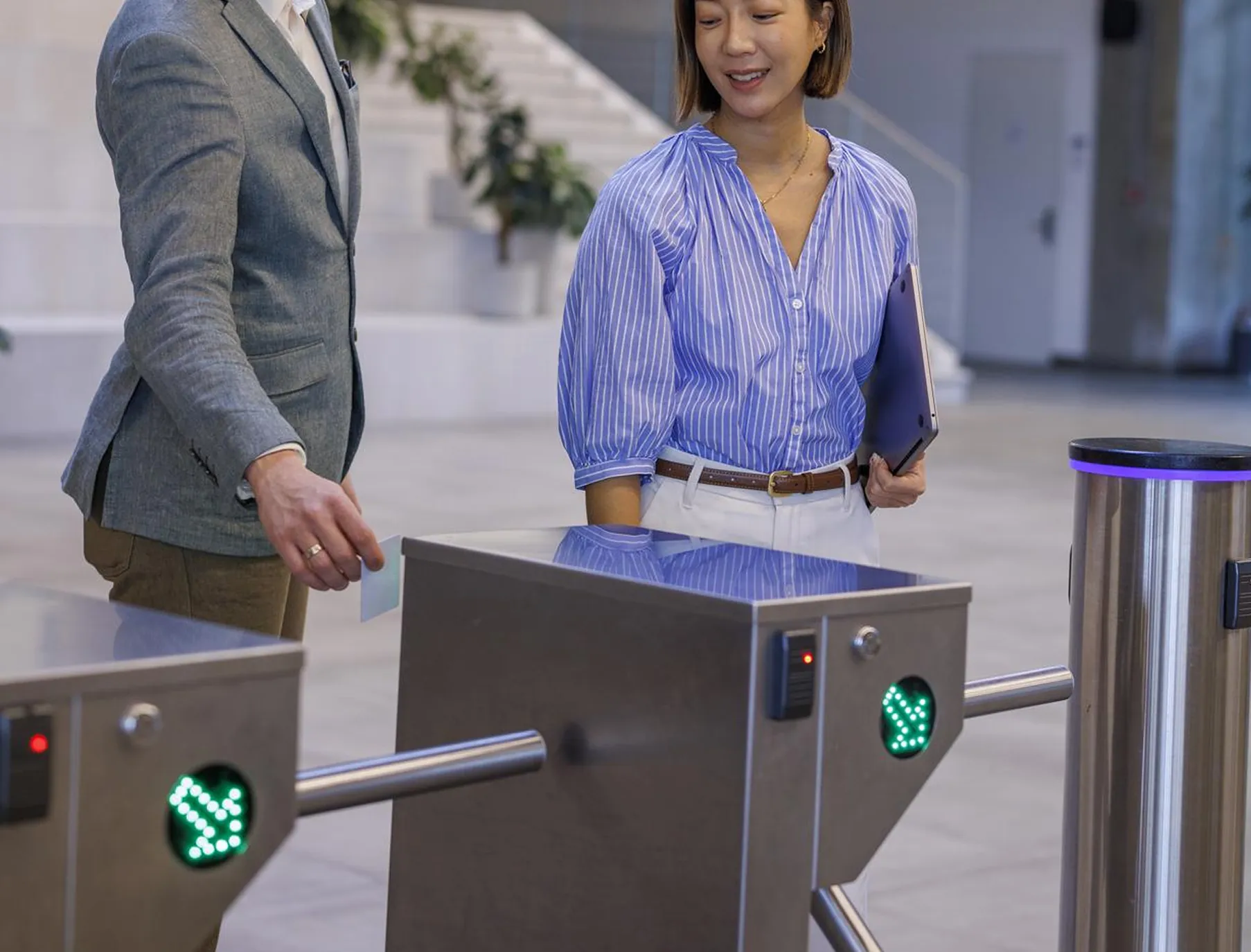
Manage who can access doors, buildings and restricted areas across your organisation. From a single entrance to a multi-site estate, Access Control helps protect people, assets and information whilst giving administrators complete control over permissions and security.


What Access Control actually does

Door Access Management
Control who can access each door.
Role-Based Permissions
Automatically grant access based on job role.
Multi-Site Security
Manage buildings from a single platform.
Restricted Areas
Protect stores, plant rooms and critical spaces.
Employee Access Rights
Add, amend and remove permissions quickly.
Access Reporting
Maintain a complete access history.
Time-Based Permissions
Control access by day, time or shift.
Integrated Workplace Security
Connect access with HR and workforce systems.

Security that works around your organisation.
Access Control helps organisations manage who can enter specific buildings, doors and restricted areas while maintaining a complete audit trail of access activity.
Access rights that change when your people do
Access permissions shouldn't rely on manually updating dozens of doors.
By connecting Access Control with employee information, permissions can reflect organisational changes as they happen. New starters can receive appropriate access, department moves can trigger permission changes and leavers can be removed from the system quickly and consistently.
- Department-based permissions
- Role-based access profiles
- New starter workflows
- Leaver processes
- Multi-site permission management
- Centralised administration
How we install it
A named consultant visits your site, sets up the system, installs the hardware and trains your team. We stay on to support you after go-live. A single-site rollout usually takes 4–8 weeks.
Pre-implementation
Implementation
Training & Consultancy
Go Live
Post Implementation
Common questions about Access Control
Access Control allows organisations to control which people can access which doors, buildings or restricted areas and when those permissions apply.
Yes. Modern systems allow administrators to manage multiple buildings, offices and locations from a single platform.
Yes. Access permissions can be linked to employee information, helping organisations align workplace security with employee lifecycle processes.
Permissions can be amended or removed quickly, helping reduce the risk associated with old credentials remaining active.
Yes. Systems can support a wide range of credentials depending on operational requirements and security policies.
Yes. Permissions can often be scheduled around working hours, shifts or specific operational requirements.
Yes. Administrators can review access activity, investigate incidents and maintain records showing who accessed particular areas and when.
TESTIMONIALS
Related Solutions:

Barriers

ID Card Printers

Mustering

School and Factory Bells

Synchronised Clocks
Intercoms

PA Systems