Workforce Management
HR SOFTWARE

HR Software

One employee record for starters, leavers, holiday and absence — synced with time and attendance so nobody's left off the clocking system by mistake.

An HR manager talking with a colleague in a modern office, with an employee dashboard on a screen behind
WHO THIS IS FOR

One HR system. Built around everyone.

HR sees one source of truth. Managers get the information they need. Employees get simpler ways to manage everyday HR. Everyone works from the same system.

HR DIRECTOR / HR MANAGER
Less administration. More time for people.

Employee records spread across spreadsheets, inboxes, shared drives and paper create work for HR. Bring your people information and everyday HR processes together in one place.

  • One central employee record
  • Documents, policies and HR information together
  • Holiday and absence management
  • Automated reminders for important dates and actions
  • Reporting and workforce insights
  • Employee lifecycle from onboarding to leaving
LINE MANAGER
The answers you need, without asking HR.

Managers shouldn't need to email HR every time they need information about their team. Give managers controlled access to the people information and processes relevant to them.

  • View relevant employee information
  • Manage holiday requests and absence
  • Keep track of important HR actions
  • Support reviews and performance conversations
  • Access team information and documents
  • Make decisions with better workforce visibility
EMPLOYEE
Everyday HR, without the email chain.

Give employees an easier way to access their own information and deal with everyday HR tasks without always having to contact their manager or HR.

  • Request holidays and view balances
  • Access relevant documents and information
  • View and update personal details
  • Keep track of requests
  • Access information securely from anywhere
  • Take greater control of everyday HR tasks
HOW IT WORKS

How HR Software Supports Your Organisation

HR software brings your people data together in one system, helping you manage employee information, compliance, processes, and reporting more efficiently.

Everything in one place.

Keep employee records, documents and essential HR information together and easily accessible.

Less admin. More time for people.

Automate everyday HR processes and spend less time managing paperwork, spreadsheets and repetitive tasks.

Holidays made simple.

Give employees an easy way to request leave while managers can approve requests and see availability at a glance.

A better employee experience.

Give employees greater control over their information with convenient self-service tools.

Know your workforce better.

Turn HR information into useful insights that help you understand trends and make better decisions.

Never miss an important date.

Keep track of key employee events, actions and document expiries with timely reminders.

Make onboarding easier.

Give new starters a smoother welcome while making the process simpler for HR and managers.

Manage absence with confidence.

Keep accurate absence records and identify trends that may need attention.

Keep documents under control.

Store important employee documents securely and make information easier to manage and retrieve.

Support better performance.

Bring objectives, reviews and development conversations together so managers can support their people more effectively.

Give managers what they need.

Put relevant employee information directly into managers' hands and reduce their reliance on HR.

Connect your workforce systems.

Bring HR and Time & Attendance together to reduce duplicate data entry and create more joined-up processes.

FEATURE DEEP DIVE

Starters, leavers and absence, synced automatically

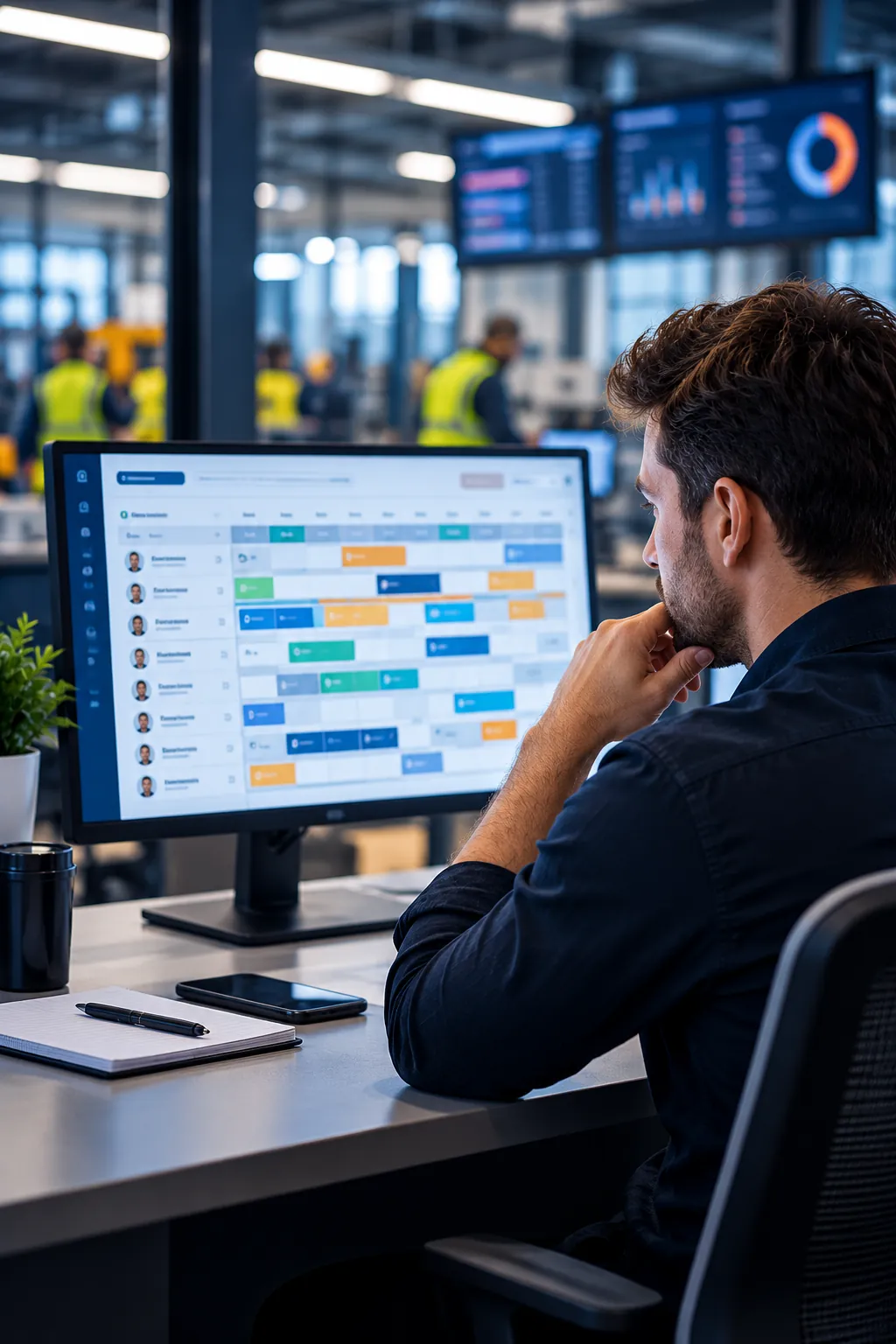
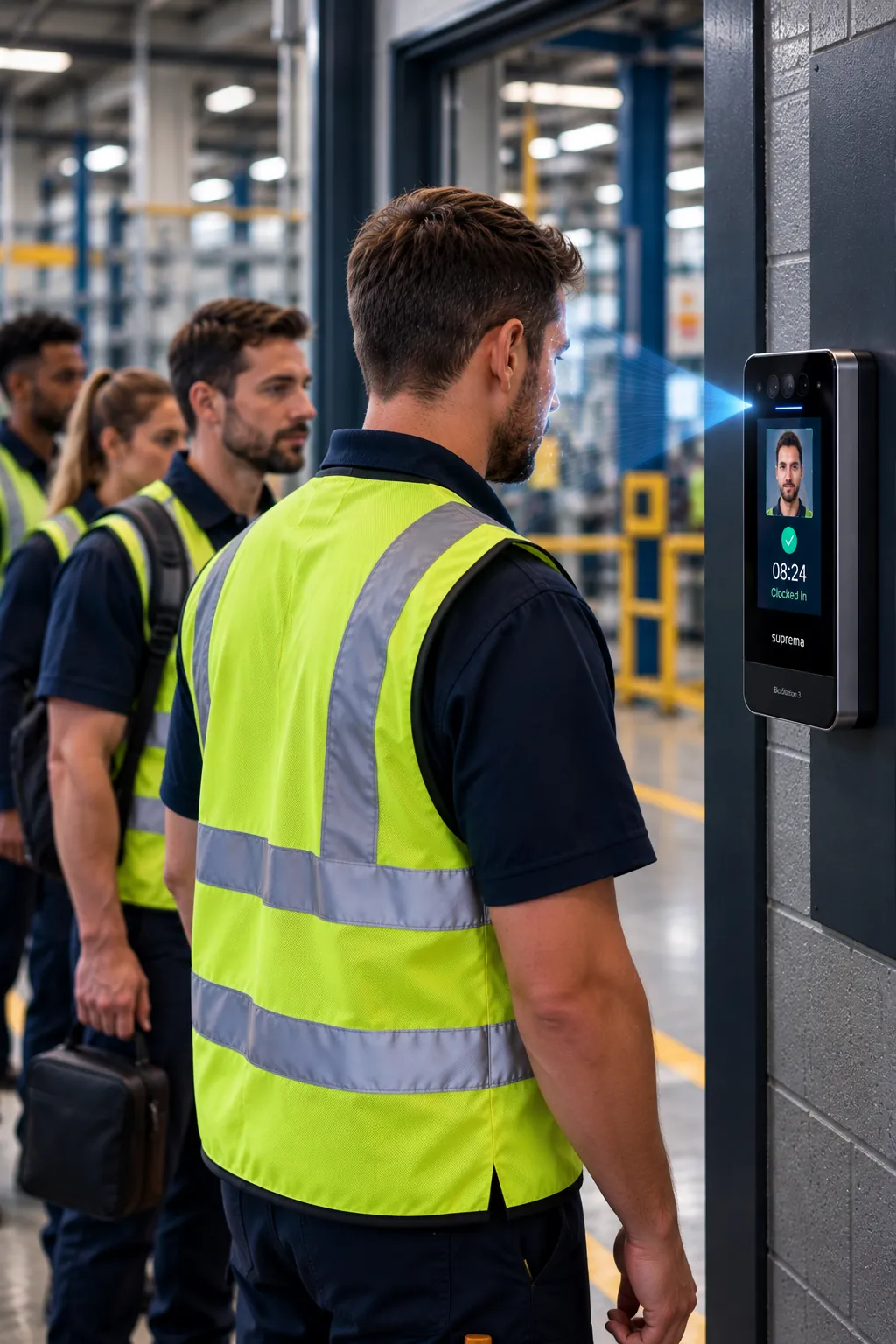
New starters and leavers update once and flow through to time and attendance. Holiday and absence booked in HR reflects in attendance records, and vice versa, so HR and payroll are always looking at the same numbers.

01
One employee record
Bring personal details, employment history, documents and key HR information together, giving HR one reliable place to manage every employee.
03
HR workflows & reminders
Automate everyday HR processes and trigger reminders for important dates, documents and actions, so less gets chased and nothing gets forgotten.
02
Smarter absence management
Record sickness and other absence consistently, spot patterns earlier and give managers the information they need to manage attendance proactively.
04
Reporting & workforce insights
Turn your people data into meaningful reports on headcount, absence, turnover and workforce trends, helping HR make decisions with evidence rather than spreadsheets.
FEATURE DEEP DIVE

Stop remembering. Start automating.

HR is full of important things that need to happen at the right time. Probation reviews, expiring documents, certifications, return-to-work actions and employee changes shouldn't depend on someone remembering to check a spreadsheet or diary.

Build reminders and HR processes around your organisation, so the right people know what needs doing and when.

  • Probation and review reminders
  • Document and certification expiry alerts
  • Return-to-work actions following absence
  • Employee lifecycle tasks and key dates
  • Automated notifications to HR and managers
  • Clear records of completed and outstanding actions
INTEGRATIONS

Works with the systems you already use

How we install it

A named consultant visits your site, sets up the system, installs the hardware and trains your team. We stay on to support you after go-live. A single-site rollout usually takes 4–8 weeks.

0
1

Pre-implementation

STAGE 01
Contact details gathered, helpdesk portal accounts set up, requirements agreed and a hardware survey of your site.
0
2

Implementation

STAGE 02
Server prepared, software installed and configured and staff data imported, then hardware fitted, tested and commissioned on site.
0
3

Training & Consultancy

STAGE 03
Setup and system administration training, plus a test phase where your users try the system and the rules are refined.
0
4

Go Live

STAGE 04
The system goes live with support from your lead implementation consultant, with configuration tweaks where needed.
0
5

Post Implementation

STAGE 05
Follow-up consultancy, then a handover to the helpdesk so your users have continued support.
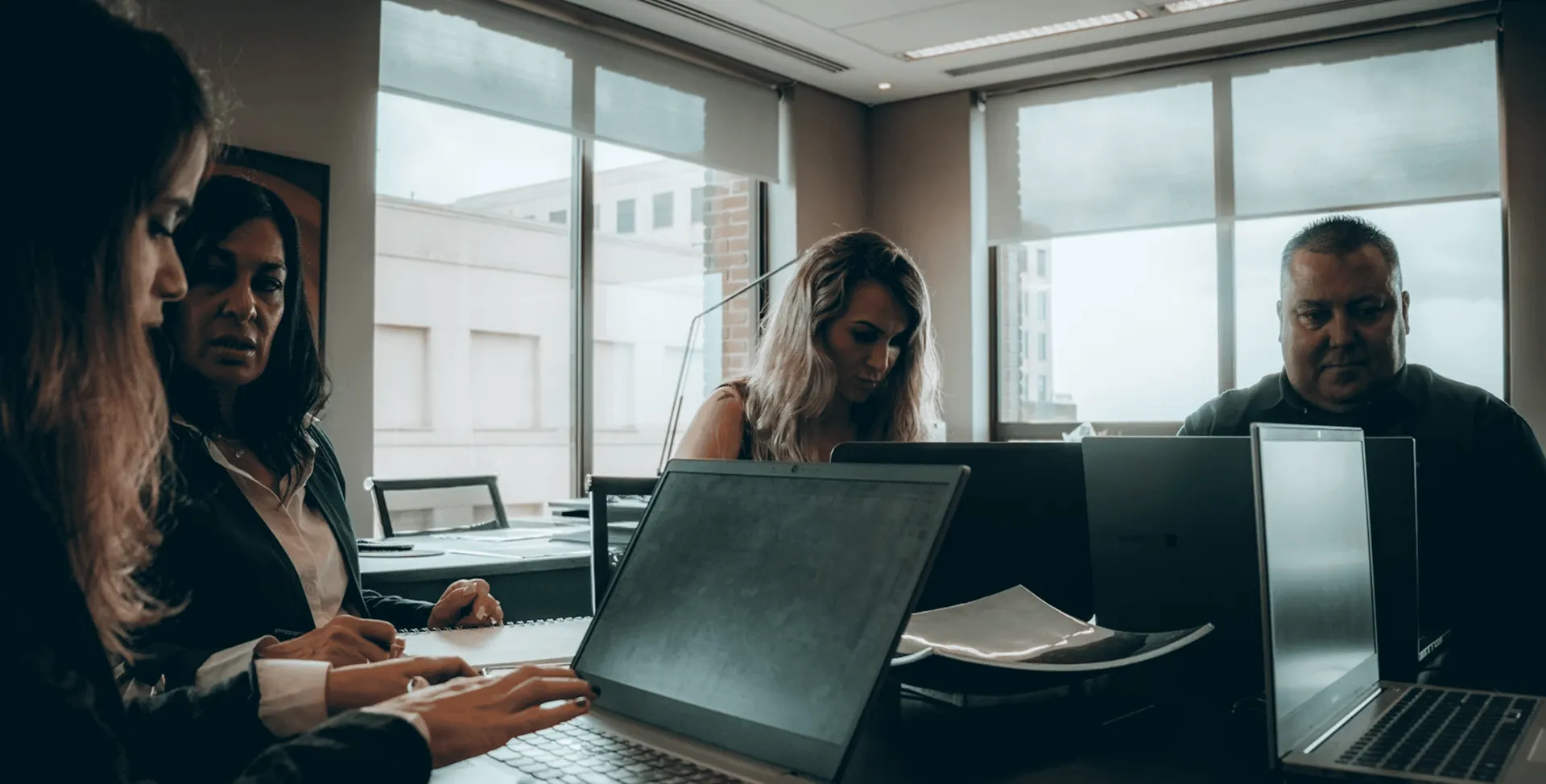
Four colleagues working on laptops around a meeting room table
FREQUENTLY ASKED QUESTIONS

Common questions about HR Software

What does HR software actually do?

HR software brings your employee information and everyday HR processes together in one place.

Instead of relying on spreadsheets, shared folders, emails and separate documents, you can manage employee records, absence, documents, holidays, key dates and other HR activities through one central system.

Will HR software actually reduce our administration?

That should be one of its biggest benefits.

By giving HR, managers and employees appropriate access to information and automating routine processes, you can reduce repetitive data entry, emails, paperwork and the constant chasing that takes up valuable HR time.

The aim isn't simply to digitise your existing administration. It's to remove as much unnecessary administration as possible.

Can employees access and update their own information?

Yes. Employee Self Service can give employees access to relevant information and everyday HR tasks without always needing to contact HR.

That can include viewing personal details, accessing documents, checking holiday entitlement and submitting requests, depending on how your system is configured.

Can managers manage their own teams?

Yes. Managers can be given controlled access to the information and processes relevant to the employees they are responsible for.

This can allow managers to deal with holiday requests, absence information, employee records and other HR actions directly, while HR retains overall visibility and control.

Managers get the information they need without HR becoming the middleman for every request.

Can it help us manage sickness and absence?

Yes. HR software gives you a consistent way to record and manage employee absence rather than information being spread across emails, spreadsheets and individual managers.

It also gives HR greater visibility of absence history and patterns, helping you identify areas that may require attention and have better-informed conversations with managers.

Can it remind us when something needs doing?

Yes. This is one of the areas where HR software can remove a surprising amount of manual administration.

Important dates and HR activities can be tracked so HR and managers aren't entirely dependent on diaries and spreadsheets to remember things such as probation reviews, document expiries, certifications and other employee-related actions.

If something needs to happen at the right time, the system should help you remember it.

Can we store employee documents in the system?

Yes. Relevant employee documents can be held alongside the employee's HR record, making information easier to organise, find and manage.

This can reduce reliance on paper personnel files, individual folders and documents scattered across different locations.

Access permissions can also help ensure users only have access to the information appropriate to their role.

Can HR software integrate with Time & Attendance?

Yes, and this is particularly relevant to the Auto Time Systems approach.

Bringing HR and Time & Attendance together can create a much more joined-up workforce management process. Employee information doesn't need to exist independently from attendance, absence and other workforce data.

That means you're working towards one connected employee journey rather than multiple disconnected systems.

Can HR software help us with GDPR compliance?

HR software can provide tools that support your data-protection processes, such as controlled access to employee information, more structured record keeping and better management of employee data.

However, software itself doesn't make an organisation GDPR compliant. Your organisation remains responsible for deciding what employee information should be collected, why it is being processed, who should have access to it and how long it should be retained.

How difficult is it to move from our current HR system or spreadsheets?

It depends on how your employee information is currently held, but moving systems doesn't have to mean starting again.

A successful implementation begins by understanding your existing employee data, HR processes, organisational structure, absence requirements and the information different users need.

From there, the new system can be configured around the way your organisation operates and suitable existing employee information can be prepared for migration.

The goal isn't simply to replace your spreadsheet. It's to make sure you don't need it anymore.

Related Solutions:

TESTIMONIALS

“We have received great support from team at Auto Time Systems during our transition and we look forward to seeing what more Kelio can offer our business over the years.”
Hayley Couper
“The software was able to be customized to our environment, making tracking and reporting of attendance effortless. I highly recommend them.”
Manjari Mohan
“I have had the pleasure of working with Auto Time for almost 20 years now. I have found Simon and the team to be honest straight talking people. Over the years I have had various obstacles to navigate around and ATS have always found me a solution.”
Mark Dunne
“Simon can I take a moment to say that whenever we have had any issues or needed help you have always given great support.”
Mr Cordwell